Getting Started
- Download and install SpoolNFC from the App Store.
- Open the app and grant NFC permissions if prompted.
- Tap the scan button to read filament spool NFC tags.
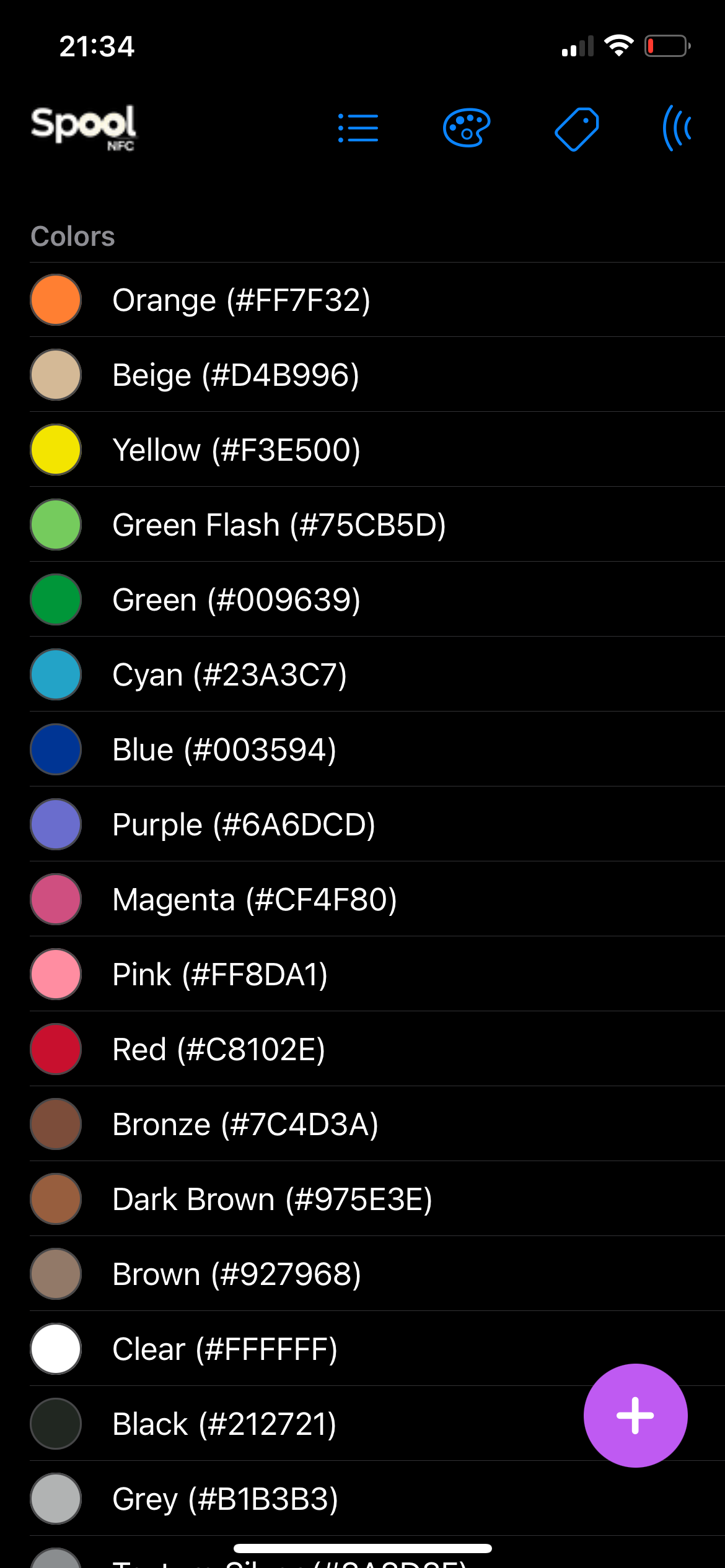
Custom color usage: select, view, and manage filament colors
Usage Guide
- Scan Filament: Tap the scan button and hold your device near the NFC tag on your filament spool.
- Add Filament: Enter filament details such as brand, color, material, weight, and temperature. Save to your library.
- Edit/Delete Filament: Select a filament from your list to edit or delete its details.
- Custom Brands & Colors: Add, edit, or remove brands and colors to personalize your filament collection.
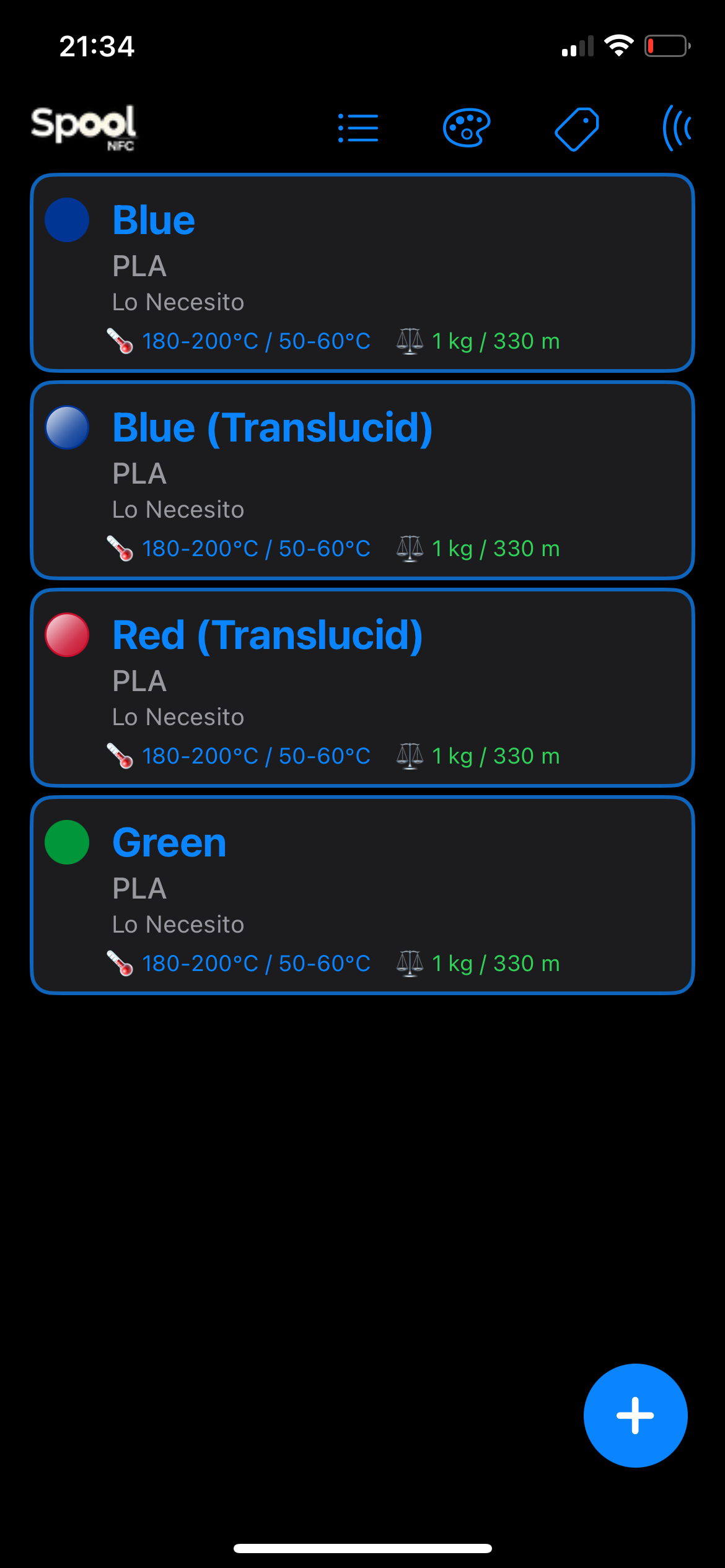
Filament library overview
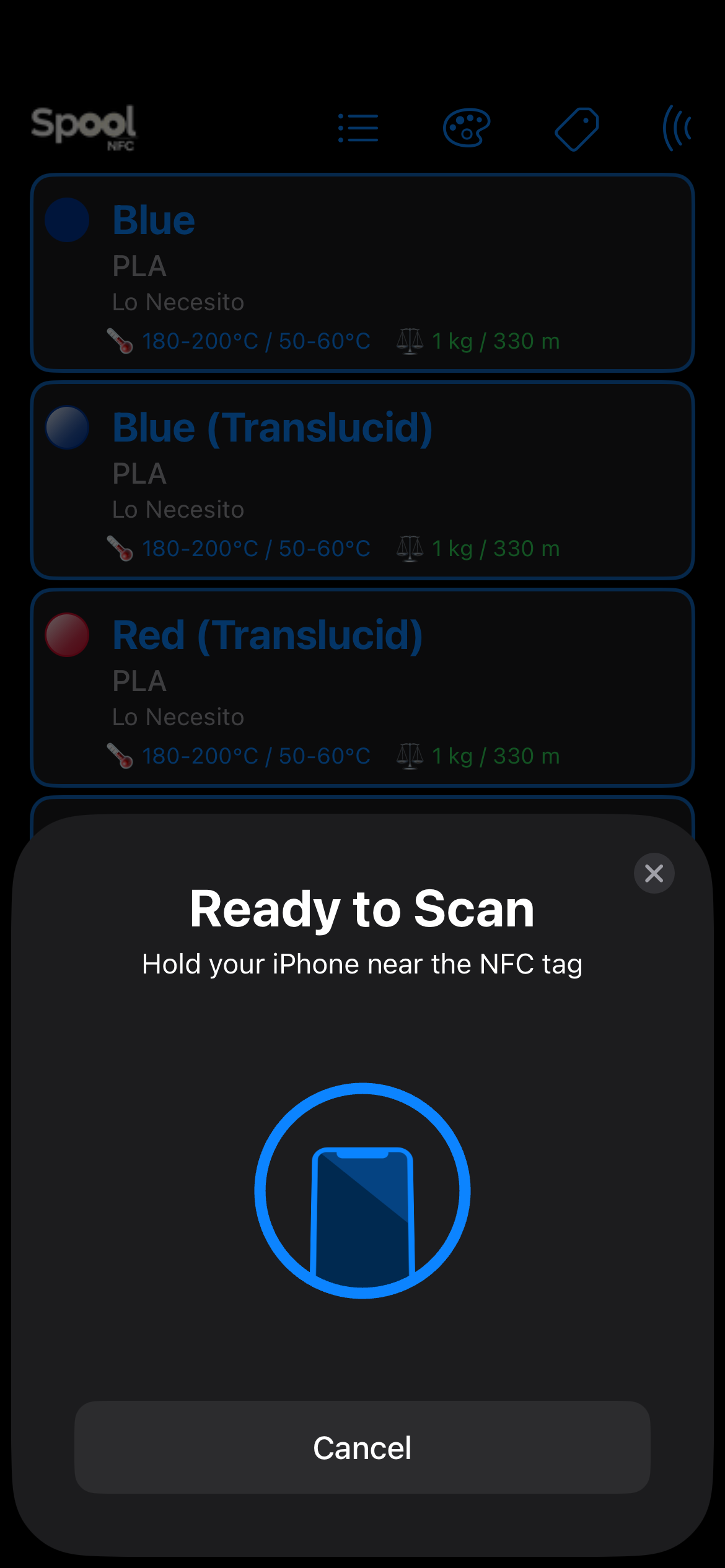
NFC scan prompt
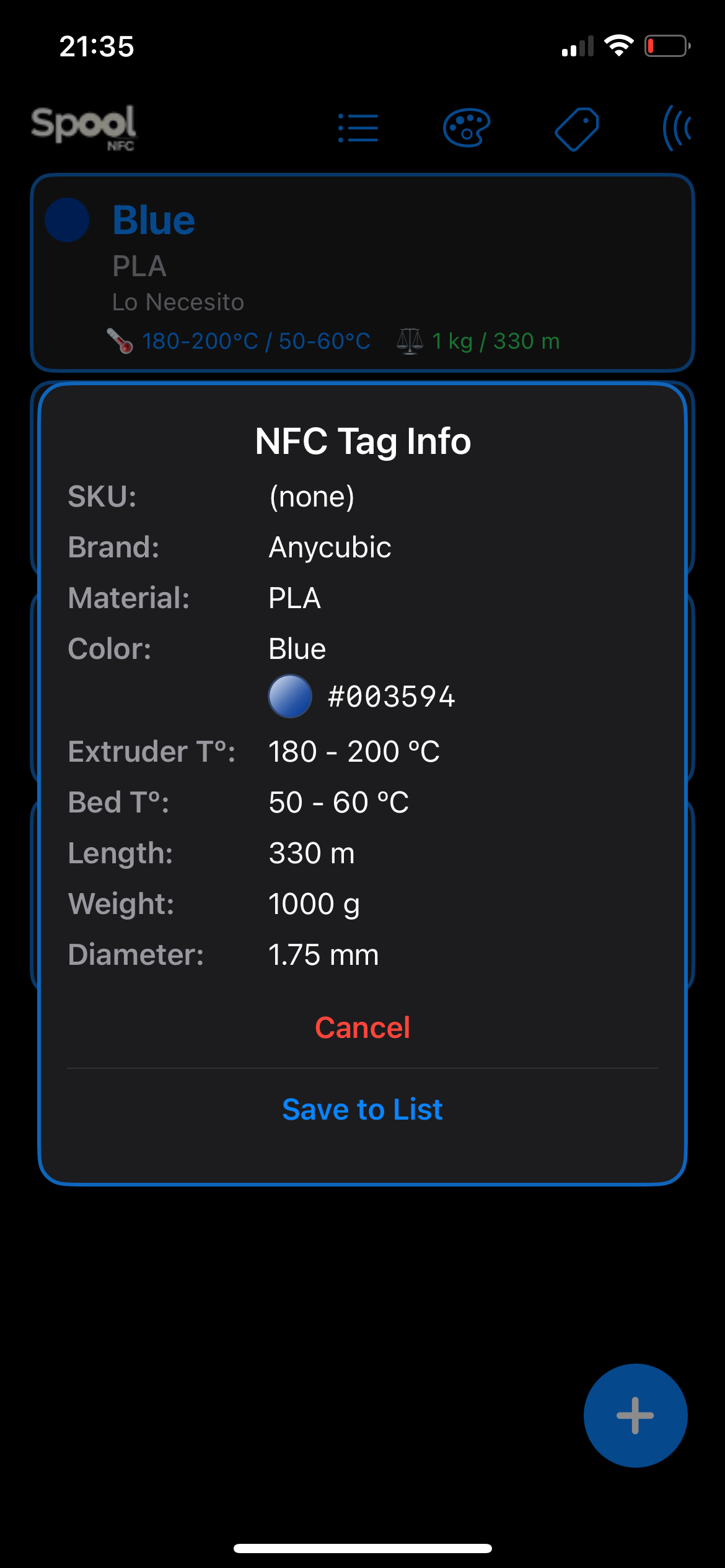
NFC tag details and save dialog
Manual
- All data is stored locally on your device.
- NFC scanning works with compatible iPhone models.
- For troubleshooting, visit the Support page.
FAQ
- Is my data private? Yes, see our Privacy Policy.
- Can I export my filament data? Currently, export is not supported.
- Which devices are supported? iPhone models with NFC capability and macOS (Catalyst) for management.